DialPad customers will need to set up call forwarding to Smith.ai in order for AI Receptionist to answer your calls.
As soon as you're signed up for Smith.ai and have completed setting up your call instructions, follow the directions below to change the settings in your Dialpad account to ensure your calls are being forwarded correctly.
Getting your Smith.ai phone number
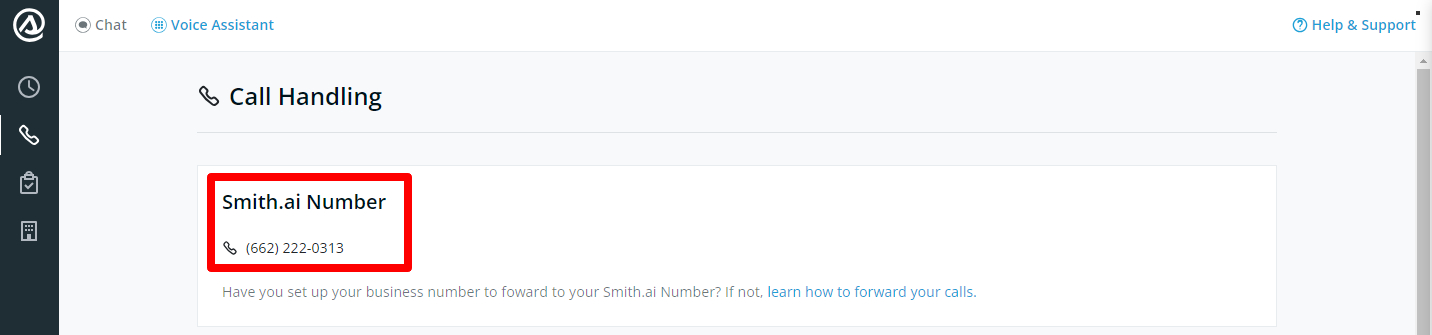
- Go to the Call Handling page of your AI Receptionist dashboard: https://app.smith.ai/vr/call-handling/
- You'll see your Smith.ai Number at the top of the page. Copy it as we'll use it later.
- Next, follow the instructions below based on how you wish to forward your calls from DialPad.
Forwarding calls to Smith.ai
Prefer a step-by-step guide? Follow along below!
Forwarding calls to Smith.ai
If, for any reason, our documentation is not up to date with DialPad's latest interface, we recommend going to their forwarding help center article found below.
https://help.dialpad.com/v1/docs/en/manage-a-main-line#mainline-call-routing
Tip: You can set different call routing rules for when your office is open and when it is closed. See the Dialpad instructions for setting up business time-based call routing here: https://help.dialpad.com/v1/docs/en/manage-a-main-line#business-hours-call-routing
If you'd like to use AI Receptionist as your "overflow" answering service, use the instructions for setting up a "fallback option" as Dialpad calls it here: https://help.dialpad.com/v1/docs/en/manage-a-main-line#fallback-options
Questions? Contact us!
- If you're already a Smith.ai client and need help, please email us at support@smith.ai or call us at (650) 727-6484 for assistance.
- If you're not yet a Smith.ai client, please schedule a free consultation to get started with our AI Receptionist or email us at sales@smith.ai. We'll help you select the best plan to match your business’s growth goals and budget.
Was this article helpful?
That’s Great!
Thank you for your feedback
Sorry! We couldn't be helpful
Thank you for your feedback
Feedback sent
We appreciate your effort and will try to fix the article