Our integration with Calendly allows your AI Receptionist to book appointments live over the phone — directly into your calendar. With this integration enabled, you'll be able to set up instant AI scheduling for potential new customers or existing clients.
Follow the instructions below to connect your AI Receptionist to Calendly, then enable AI scheduling in your call instructions.
Note: Calendly integrations are only available with a paid Calendly plan.Connecting the Calendly integration to your AI Receptionist:
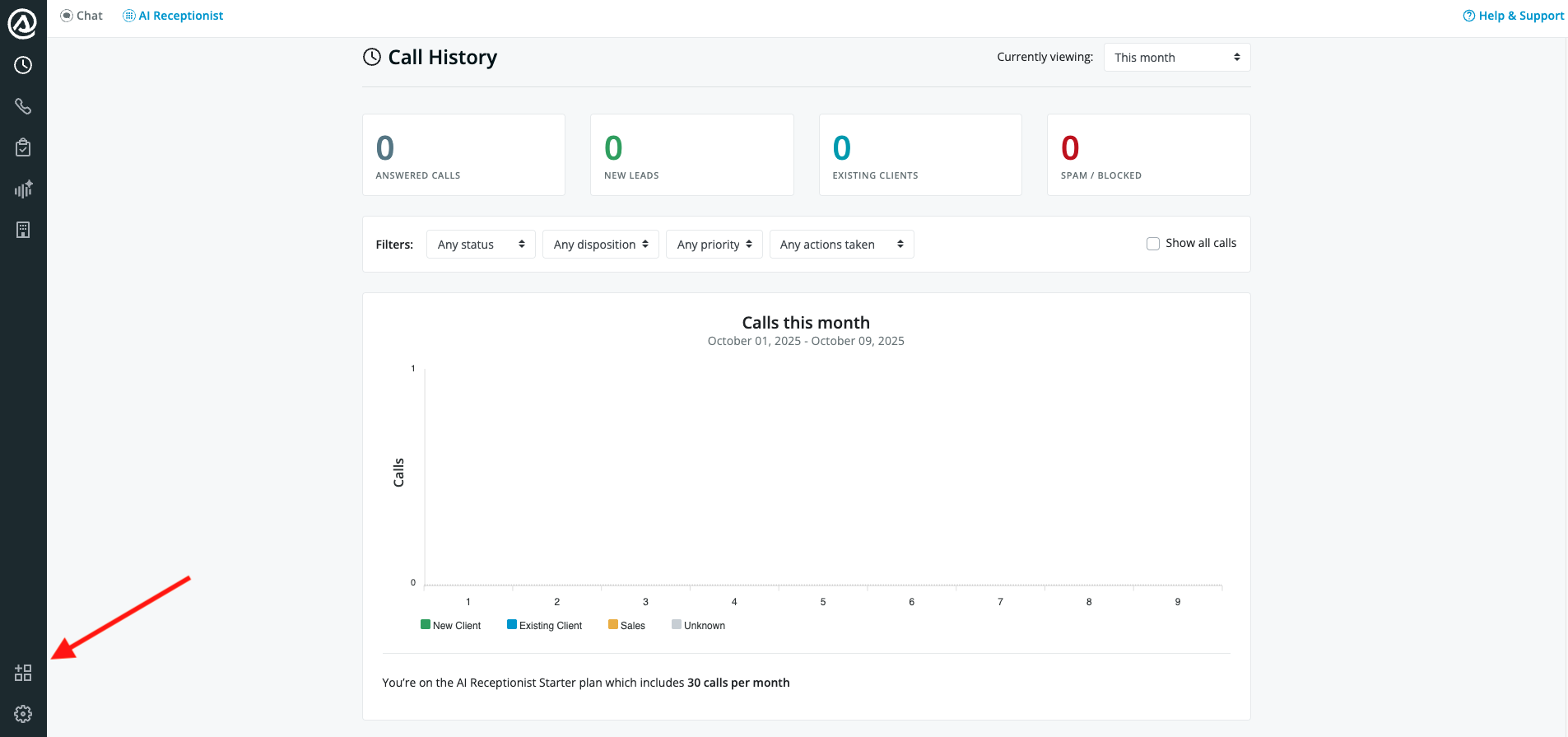
1. Go to your AI Receptionist Dashboard and open the Integrations tab
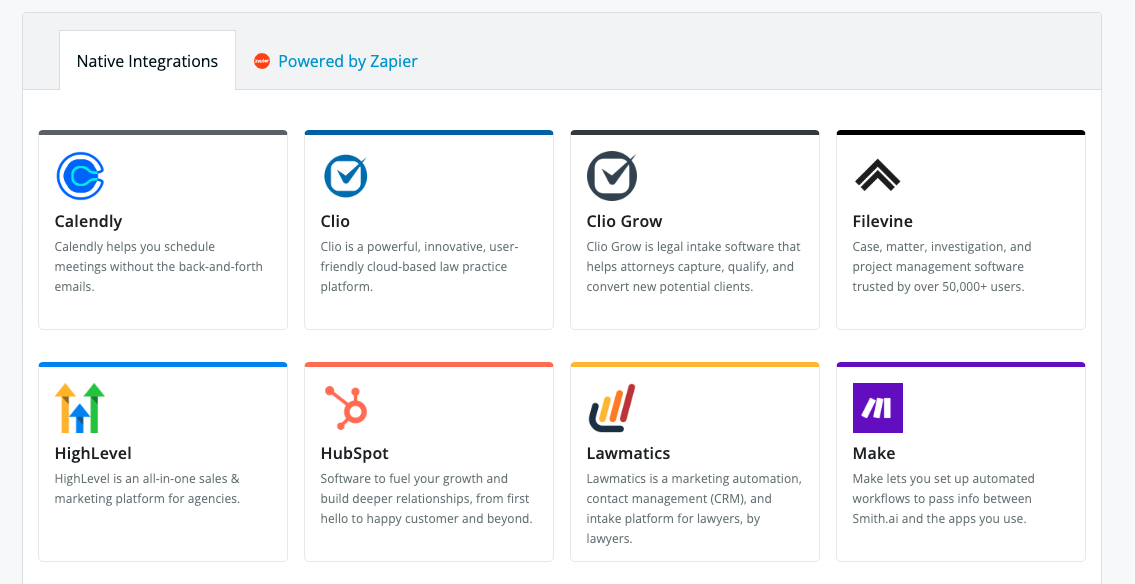
2. Locate and select Calendly from the Native Integrations list
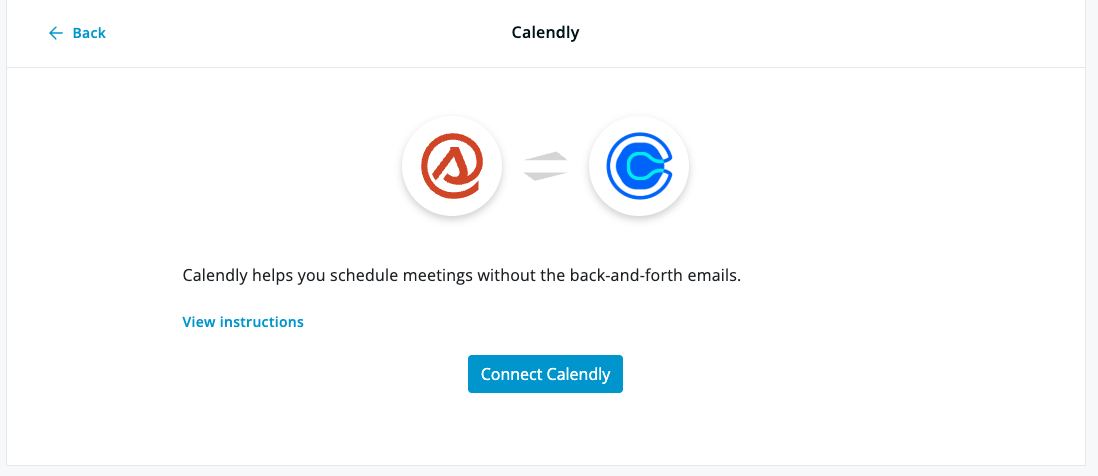
3. Click Connect Calendly
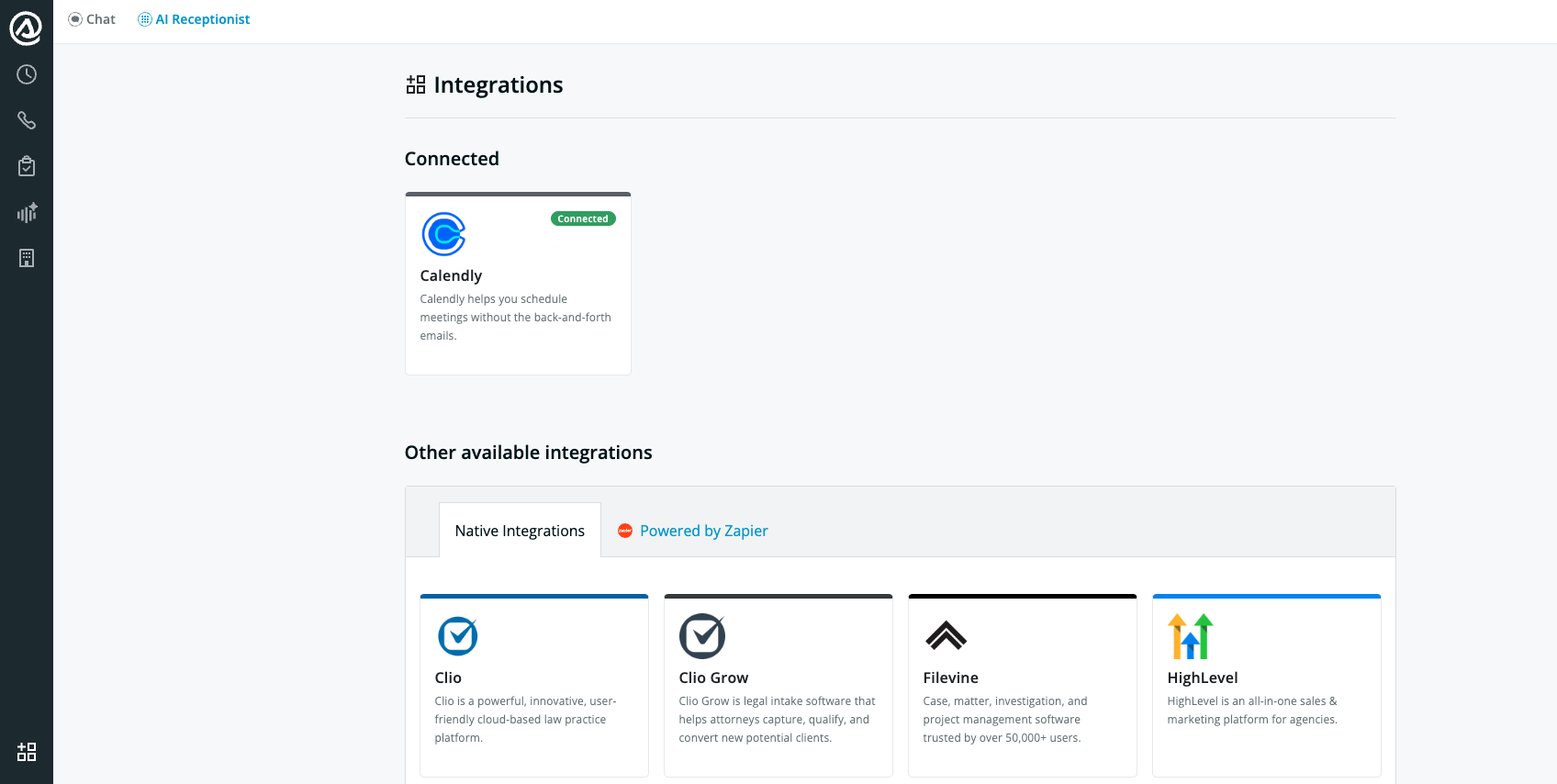
4. Sign in to your Calendly account and authorize access. Once connected, you’ll see Calendly appear on the Integrations page under the Connected section:
5. Now you're ready to enable AI scheduling! Follow these instructions to complete setup and start scheduling.
Questions? Contact us!
- If you're already a Smith.ai client and need help, please email us at support@smith.ai or call us at (650) 727-6484 for assistance.
- If you're not yet a Smith.ai client, please click here to get started with our AI Receptionist services or schedule a call with our team. We'll help you select the best plan to match your business’s growth goals and budget.
Was this article helpful?
That’s Great!
Thank you for your feedback
Sorry! We couldn't be helpful
Thank you for your feedback
Feedback sent
We appreciate your effort and will try to fix the article