Need to better serve your Spanish-speaking clients? AI Receptionist can handle Spanish-speaking callers with the same quality as English-speakers with the flip of a toggle in your dashboard.
When enabled, your AI Receptionist will automatically switch to Spanish when your callers request it, and your call summaries will include both the original Spanish transcript and an English translation.
How Spanish language support works
When Spanish Language Support is ON
- When greeting callers, AI Receptionist will advise them that they may speak in Spanish if they prefer, with the phrase, "Puedes hablarme en español si lo preferieres."
- If your callers choose to engage AI Receptionist in Spanish, the entire call will be handled in Spanish.
- Your Call Summary will show the original verbatim transcript and an English-translated version.
When Spanish Language Support is OFF
AI Receptionist will conduct all conversations in English, even if a caller speaks Spanish or requests to change languages.
How to enable bilingual English/Spanish call handling
- Log into your Smith.ai dashboard.
- Click on Call Handling settings from the left-hand menu
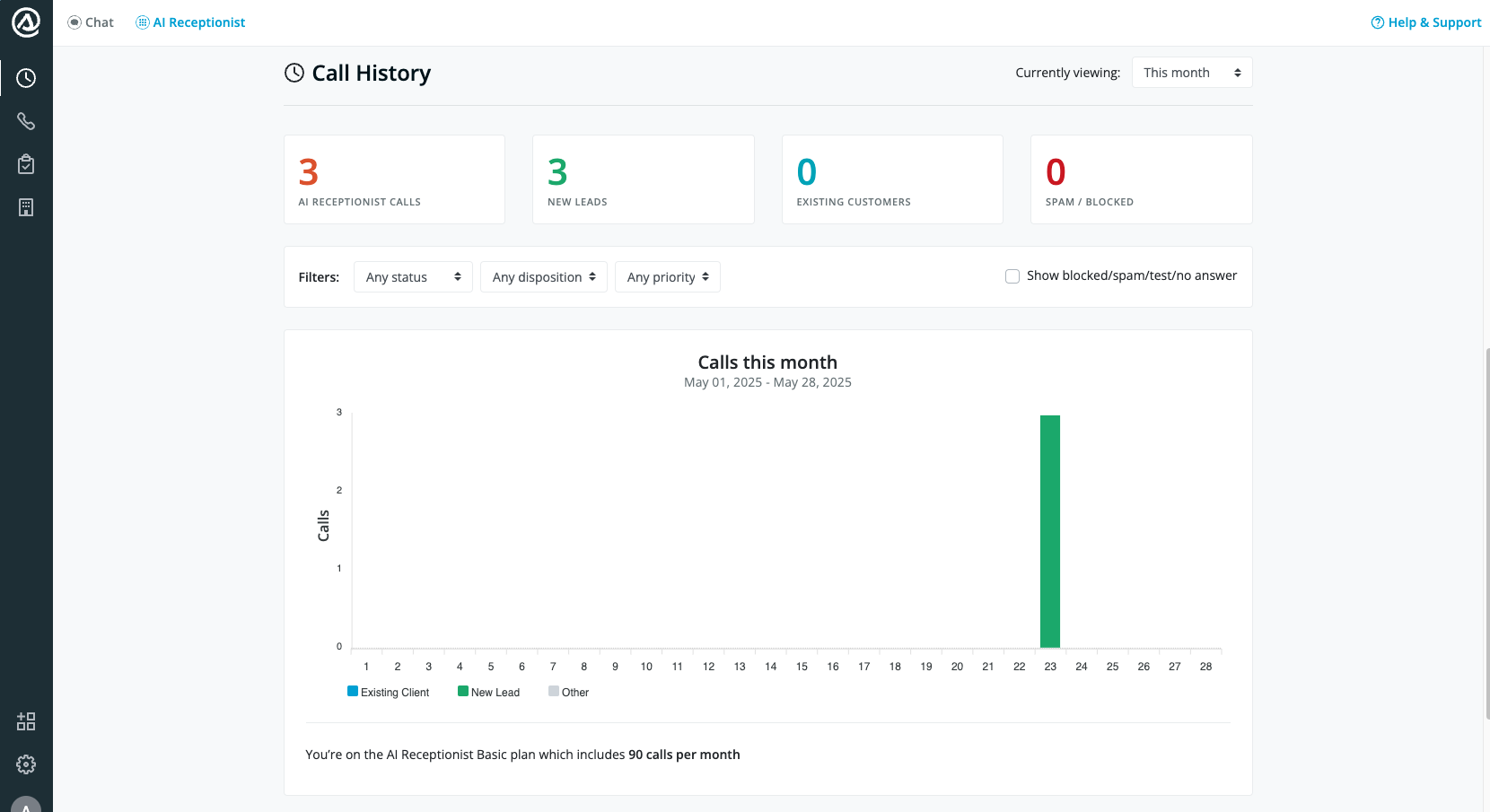
- Scroll to find the Spanish Language Support checkbox
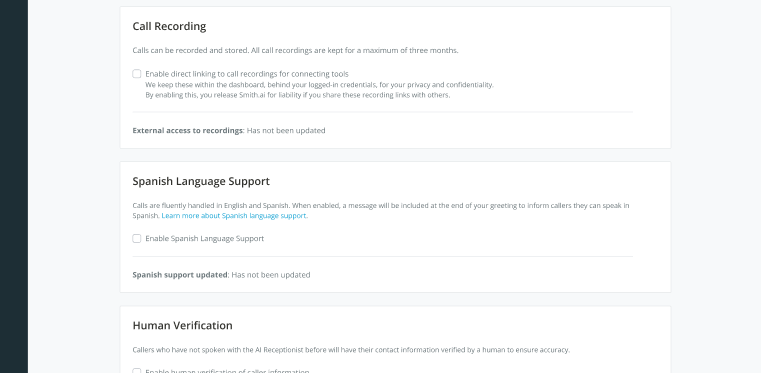
- Tick the checkbox to turn the feature ON
- A confirmation message will appear:
✅ “Spanish language support updated successfully”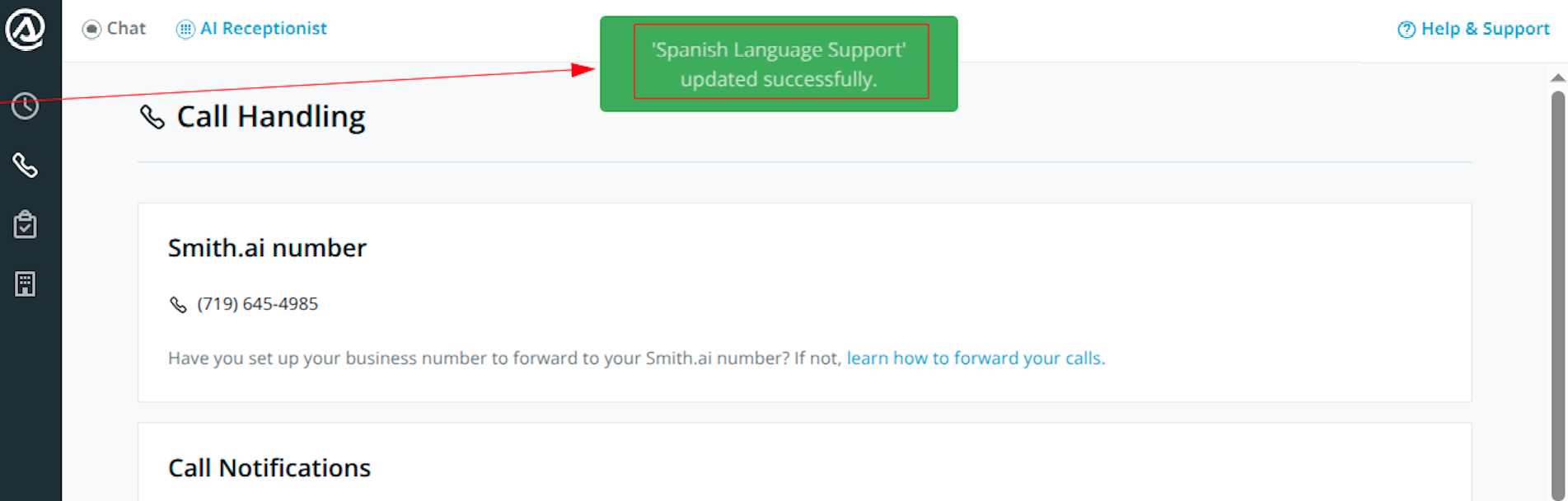
- That’s it! The setting is now saved and active
Call transcripts
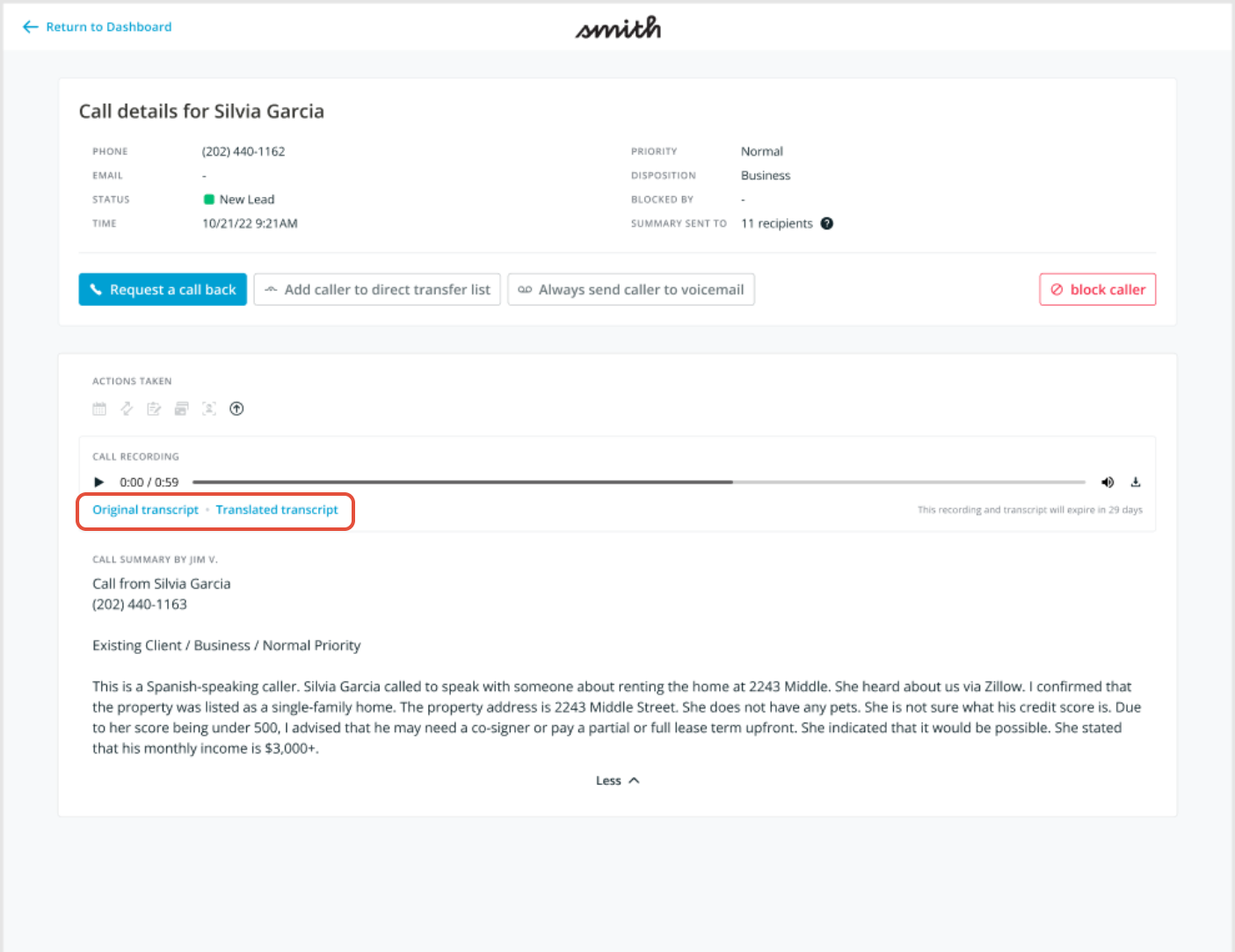
For each Spanish-language call, you'll find links to both the original, verbatim transcript and an English-translated version in the call details page in your dashboard. This makes it easy to review and follow up, even if you’re not fluent in Spanish.
Questions? Contact us!
- If you're already a Smith.ai client and need help, please email us at support@smith.ai or call us at (650) 727-6484 for assistance.
- If you're not yet a Smith.ai client, please click here to get started with our AI Receptionist services or email us at sales@smith.ai. We'll help you select the best plan to match your business’s growth goals and budget.
Was this article helpful?
That’s Great!
Thank you for your feedback
Sorry! We couldn't be helpful
Thank you for your feedback
Feedback sent
We appreciate your effort and will try to fix the article