When setting up your qualification instructions for new leads in the “Potential new clients & customers” call playbook, you can configure how AI Receptionist handles callers with requests that fall outside your list of qualified services.
This gives you control over the resolution these callers receive when their request is not among your supported services.
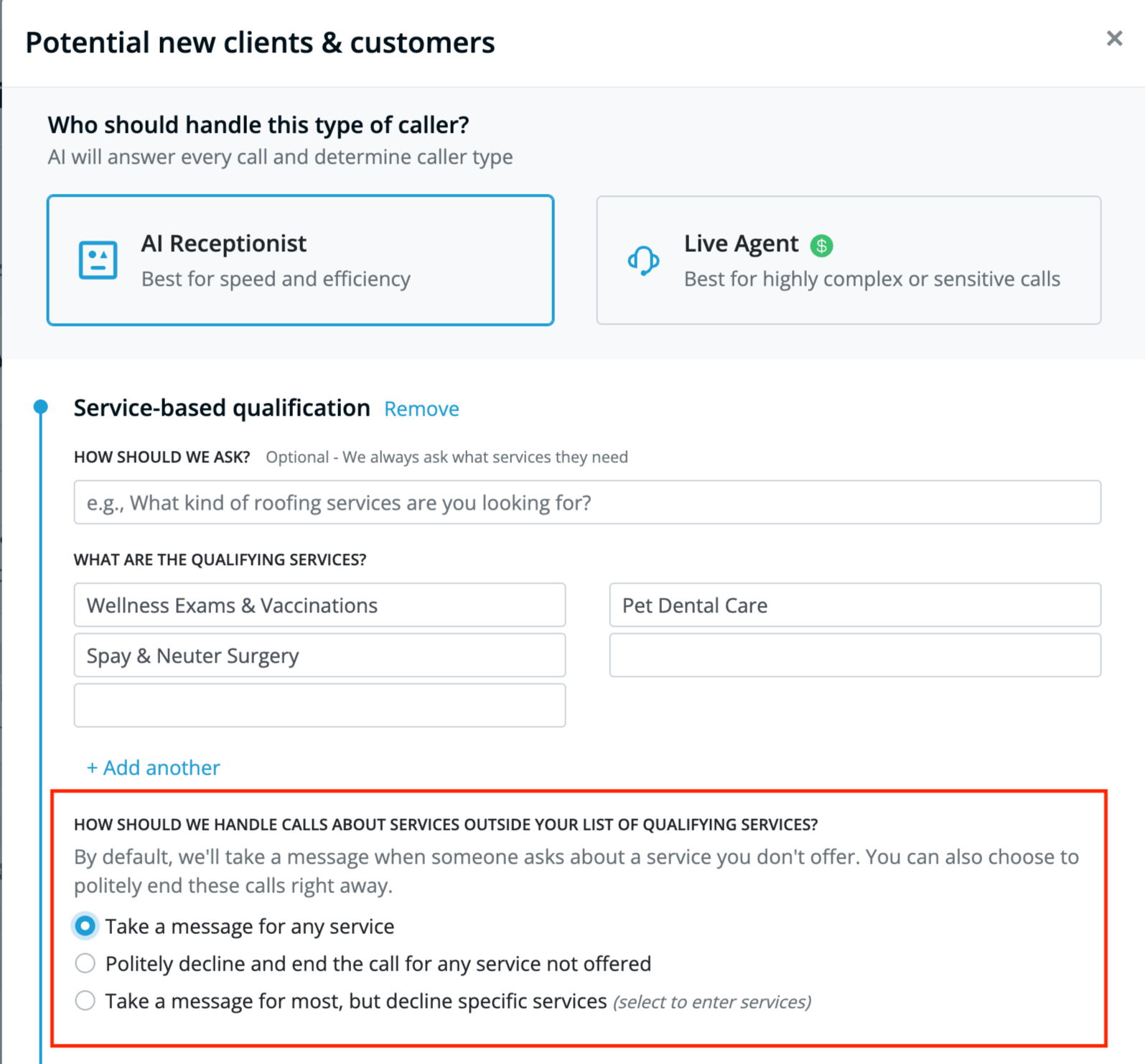
You can choose to have AI Receptionist handle these types of calls in one of three ways:
- Take a message for any service
- Politely decline and end the call for any service not offered
- Take a message for most, but decline specific services
1. Take a message for any service
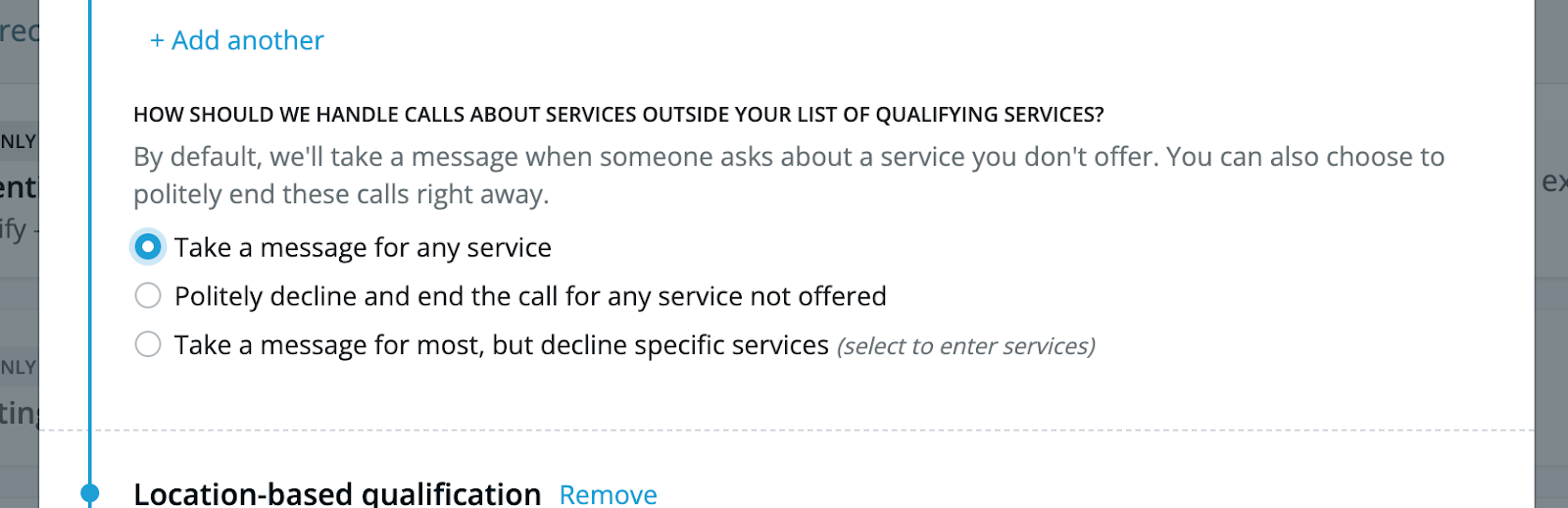
If this option is selected, AI Receptionist will convey to any caller whose request doesn’t match one of your listed qualifying services that a message will be taken and forwarded to the team. AI Receptionist will not directly state inability to help and will collect the caller’s information before ending the call.
If you prefer your AI Receptionist to take a message and never directly disqualify a caller, select this option.
2. Politely decline and end the call for any service not offered
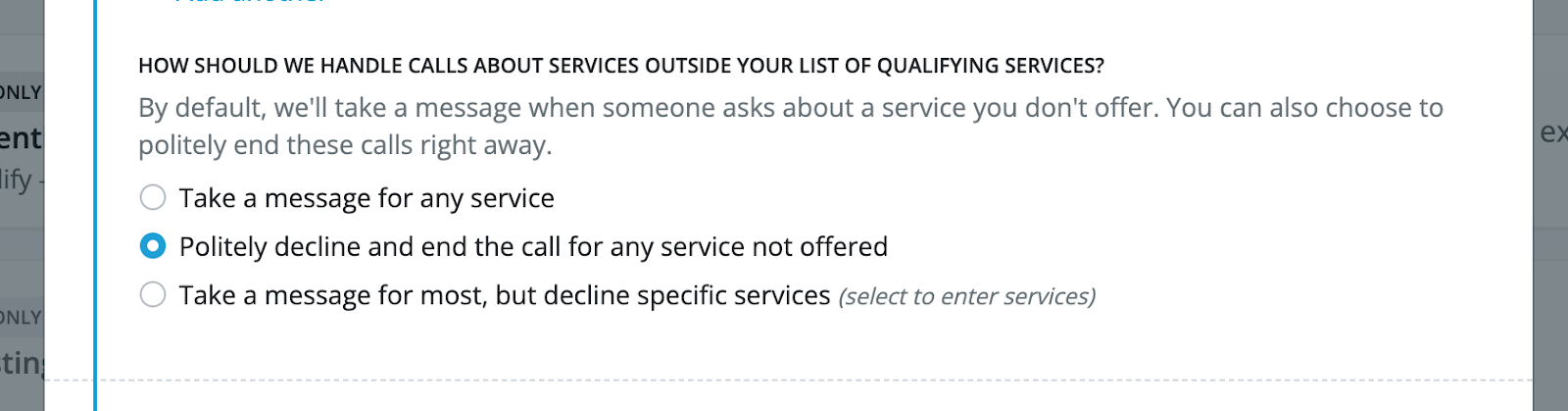
If this option is selected, AI Receptionist will treat any request that doesn’t match one of your qualified services as disqualified, and will politely inform the caller that their request is not something that you can help with before ending the call.
If you prefer your AI Receptionist to disqualify these types of callers directly, select this option.
3. Take a message for most, but decline specific services
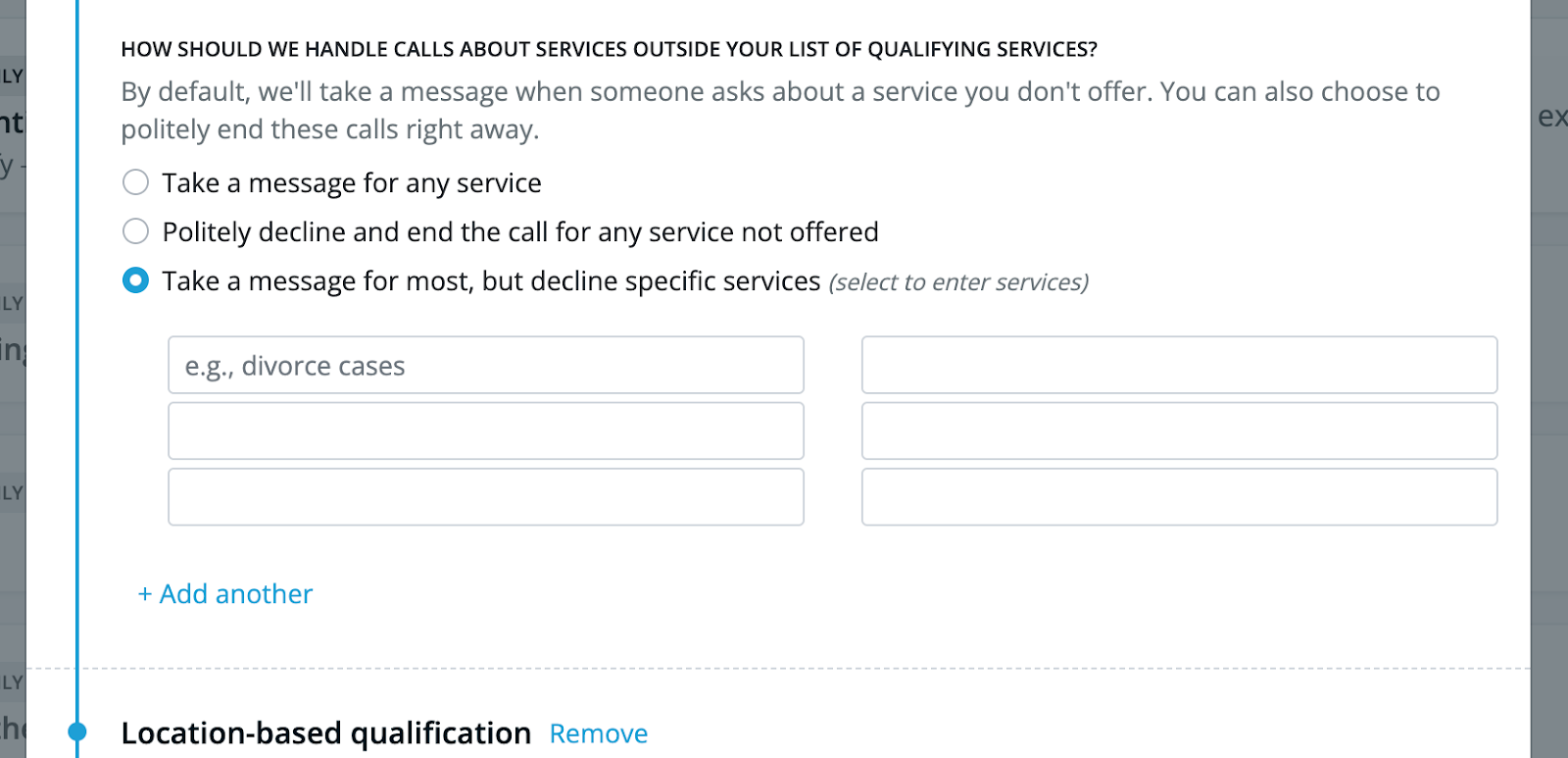
If this option is selected, you must define your list of disqualifying services (up to 20). If a caller’s request matches one of your disqualified services, AI Receptionist will inform the caller that unfortunately, their request is not something that you can help with before politely ending the call.
For other callers with requests not included in your qualified or disqualified services, AI Receptionist will not directly state inability to help and will take a message by collecting the caller’s information before ending the call.
If you would like to define a list of disqualified services to have your AI Receptionist disqualify specific requests and take a message for other requests, select this option.
Note: AI Receptionist will filter out irrelevant services by default. Best practice is to list similar or adjacent services to those you offer, or on services you are commonly asked about but do not support. For example, a family law firm that specializes in divorce and child support should not list hair salon services as specific services to decline; instead, the firm should list services such as criminal defense.
Questions? Contact us!
- If you're already a Smith.ai client and need help, please email us at support@smith.ai or call us at (650) 727-6484 for assistance.
- If you're not yet a Smith.ai client, please click here to get started with our AI Receptionist services or schedule a call with our team. We'll help you select the best plan to match your business’s growth goals and budget.
Was this article helpful?
That’s Great!
Thank you for your feedback
Sorry! We couldn't be helpful
Thank you for your feedback
Feedback sent
We appreciate your effort and will try to fix the article